Home › Forums › Previous Games › 002 — 2026-Q2: Interstate ’76 › Workarounds for Modern Platforms
 DJ_HiP.
 Watchful
GOG version of I76 has some game-breaking physics bugs on Windows 10/11. One fan patch I tried (AIO+Nitro patch IIRC) broke my install so bad the game wouldn’t start anymore, even after uninstalling and reinstalling.
Here are some things that did work for me:
-d3d switch with shortcut to i76.exe – can be tricky to get controllers recognized by W98 in the VM
Some things that didn’t work, for me anyway:
i76.exeCurious if other folks have any luck with any of above or things like…
Finally, controller support is important to me and I could not separate ‘Accelerate’ from steering left / right. The game appeared to let me bind it, yet won’t actually save the change, insisting that “Joystick Up” be accelerate and “Joystick Down” be brake. Also could not get an Xbox controller working anywhere and had to resort to an old Logitech gamepad. Hopefully others have better luck.
 SpaceGameJunkie
I love this game. My favorite soundtrack in all of gaming.
 Evil Taco
I’m a bit sad this isn’t on Porting Kit for Mac. I’m planning to try out Linux + Wine/Proton on an old laptop.
DJ_HiPThe GOG version runs well on my new XP box. 😀
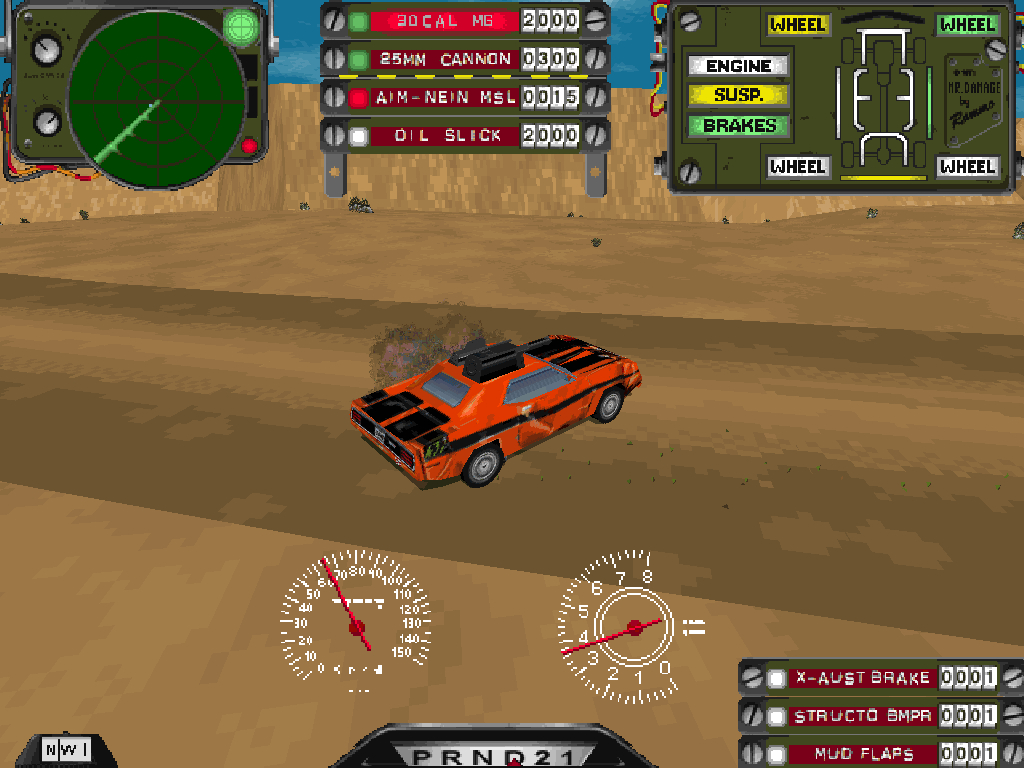
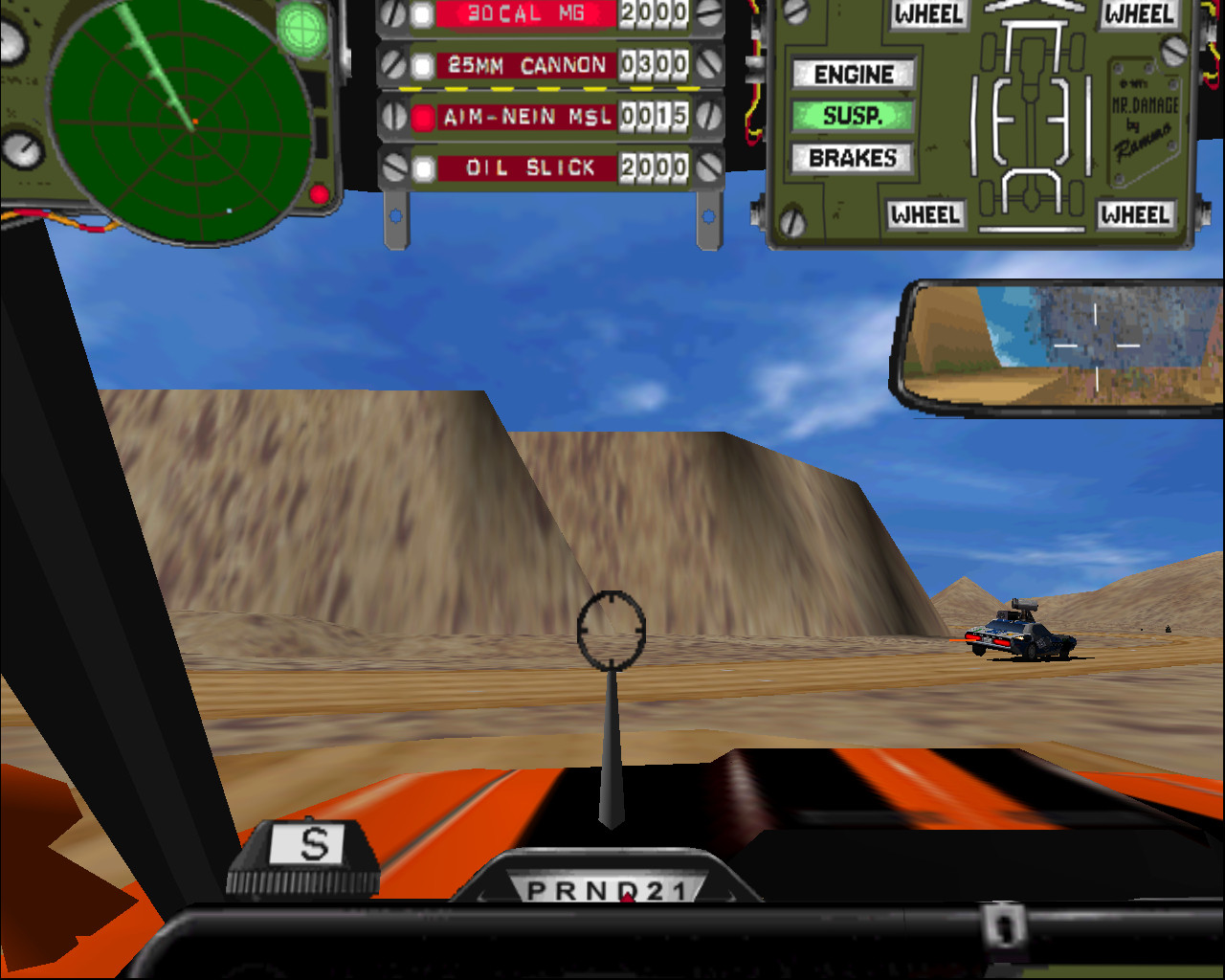
I’ve been playing around with the Software Rendering at 1024×768 vs nGlide. Still not sure which I like better.
Am noticing more graphical glitches with nGlide however.
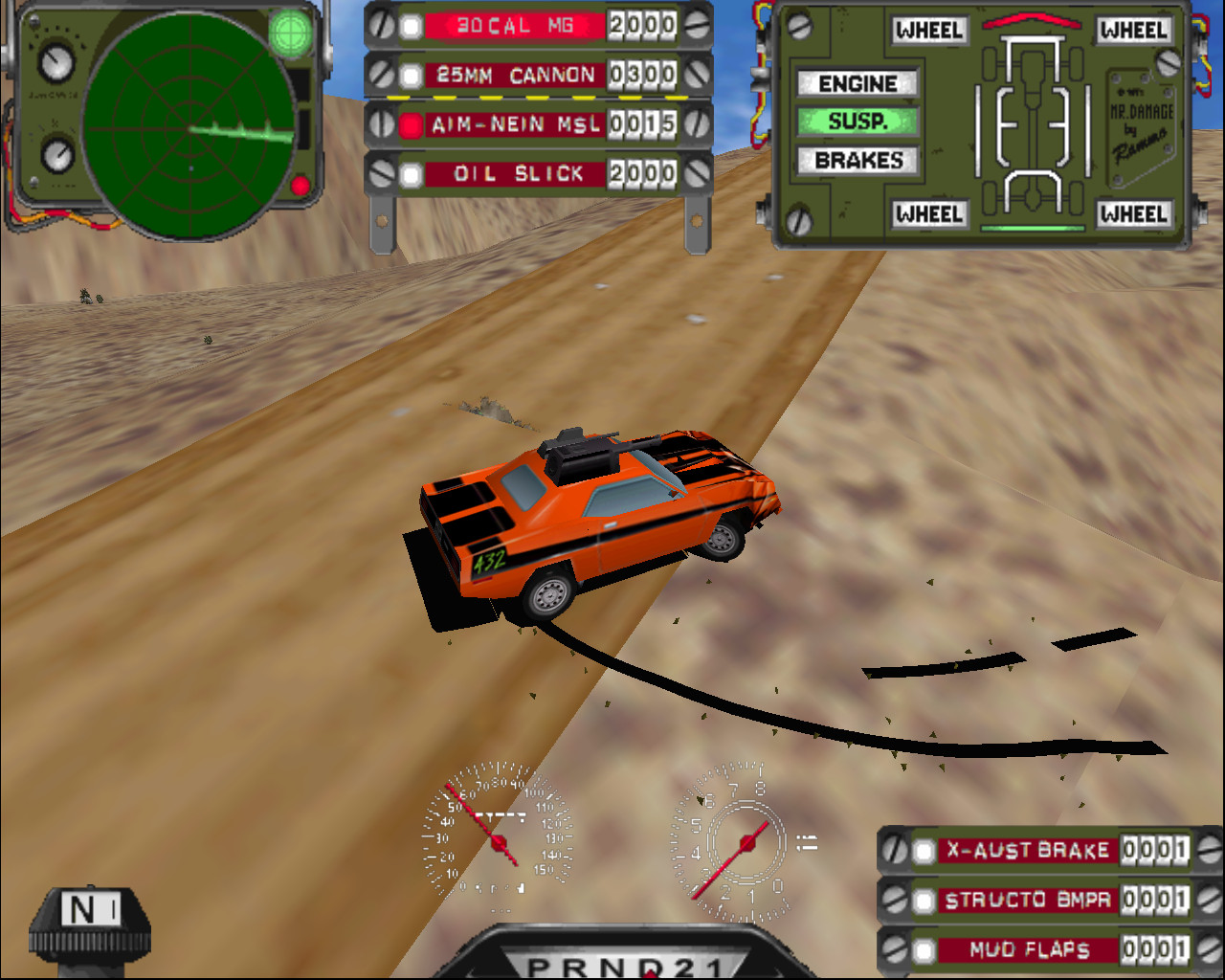
DJ_HiPOk I worked out how to get nGlide working so I can run 3dFX and upscaling!
Seems the GOG verison ships with a number of glide dll’s which are either buggy or not needed.
I just deleted/renamed glide2x.dll (Glide2.60) and it was forced to use glide.dll (Glide2.11) and I now get the beautiful 3dFX logo and it runs at full resolution smoothy!
Much nicer than software rendering.
WatchfulDo you get physics bugs? Or have you limited frame rate somehow? Is the music working?
DJ_HiPAh interesting, I have not looked into the physics bug anomaly. I will need to try work out how to limit the Frame rate with nGlide or similar and see what difference that makes.
In terms of looks;
Software Rendering at 1024×768 vs nGlide (internally 640×480) upscaled to 1280×1024
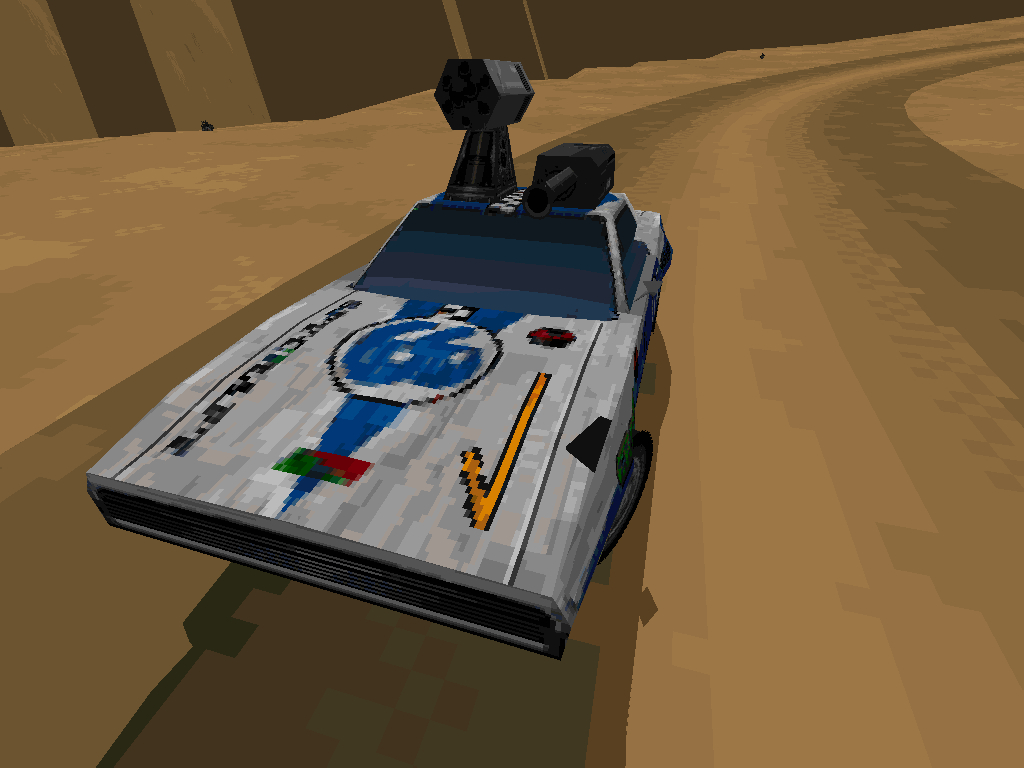
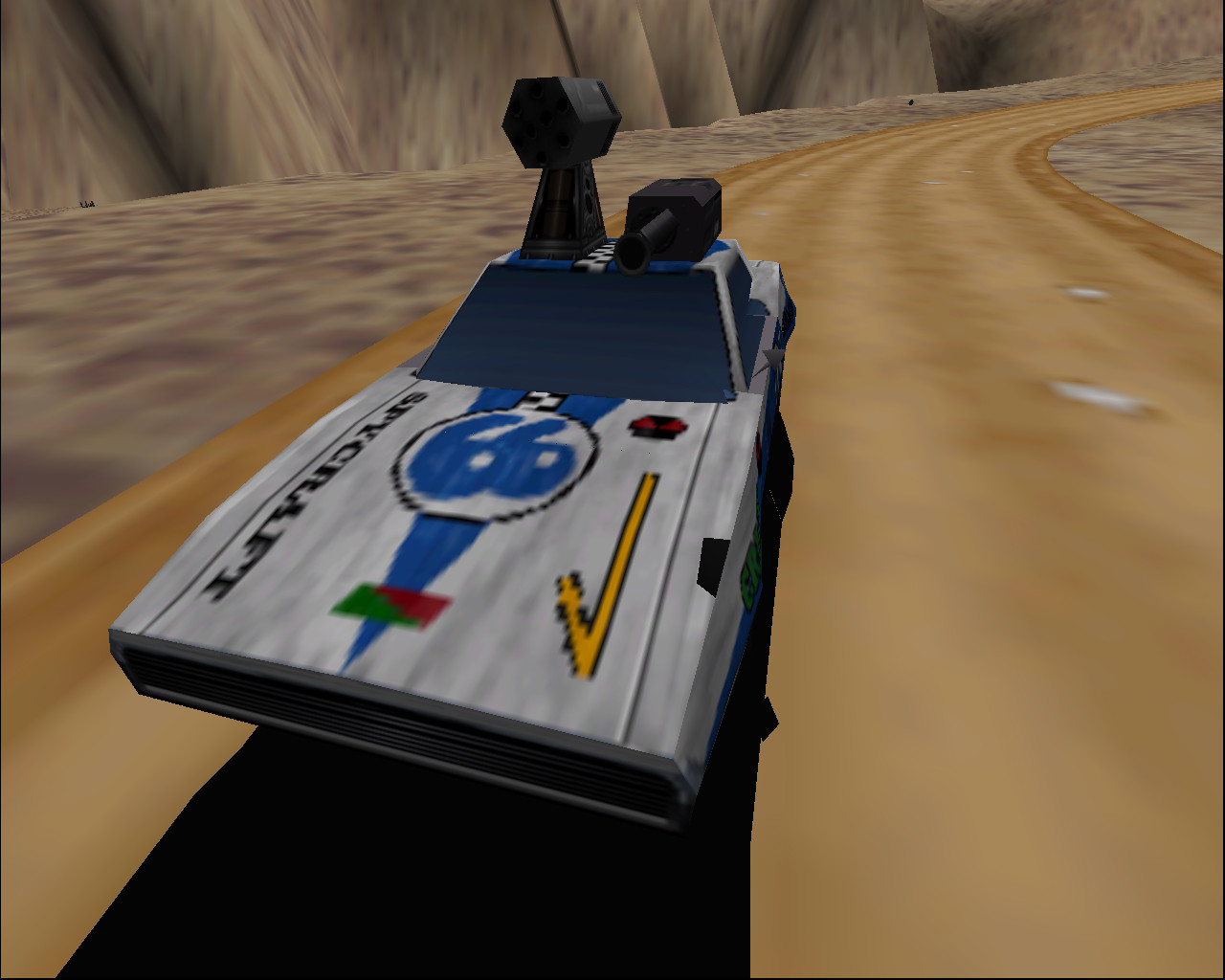
External Car Sofware vs Glide
DJ_HiP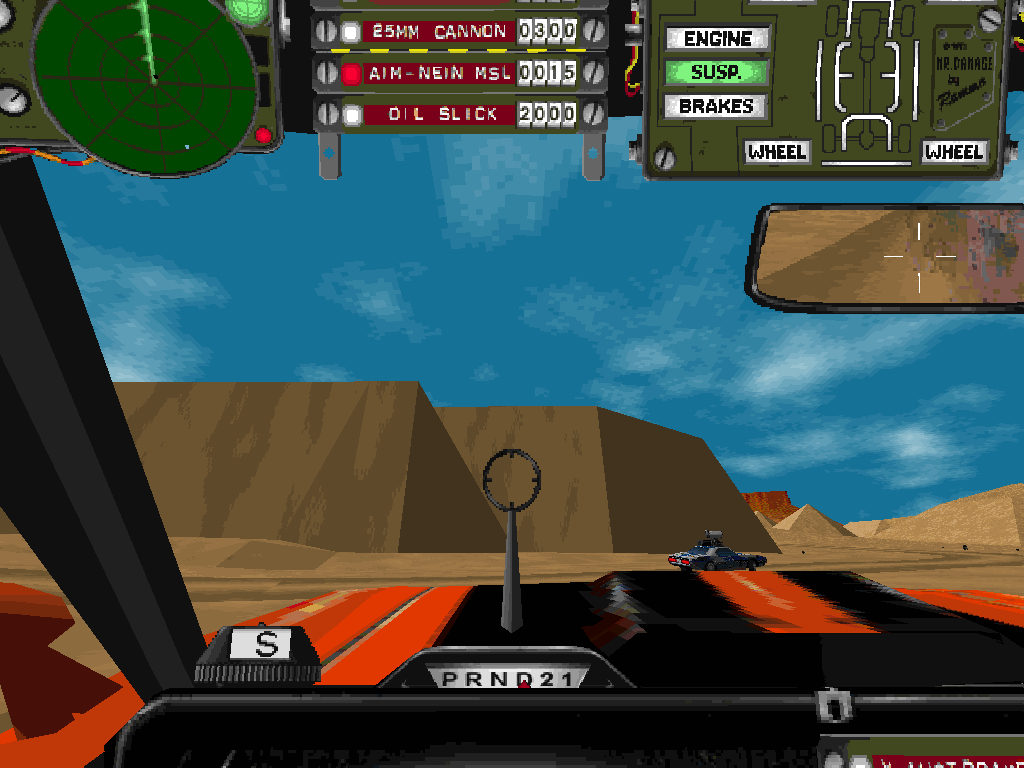
DJ_HiP